Uncategorized

  • How to Build a Killer SFX Sound Design Library Without Recording Everything

    Why SFX Sound Design Can Make or Break Your Video’s Impact
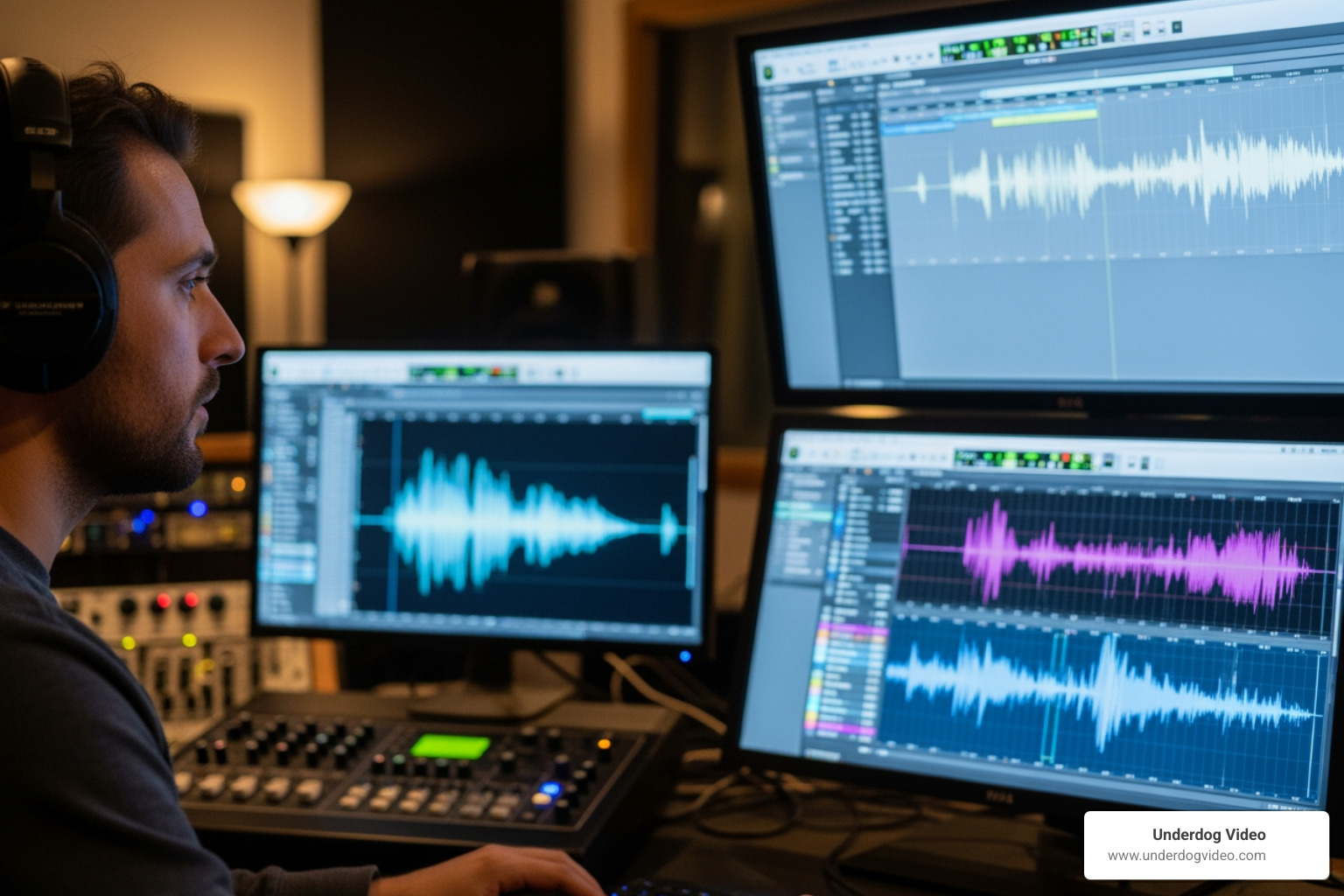
    sfx sound design

    SFX sound design is the art of crafting audio elements — whooshes, drones, impacts, glitches, and atmospheric textures — that transform raw footage into a cinematic experience that feels real.

    Here’s a quick breakdown of what it covers and why it matters:

    Element What It Is Where It’s Used
    Whooshes & Sweeps Fast tonal movements that signal transitions Trailers, social ads, sci-fi films
    Drones & Rumbles Low-frequency sustained tones Horror, thriller, atmospheric scenes
    Hits & Impacts Sharp transients with body and tail Games, action films, commercials
    Glitches & FM Synthesis Digital artifacts and synthesized textures Sci-fi, apps, interactive media
    Soundscapes Ambient layers that establish mood and place TV, documentary, immersive media

    The global sound effects services market was valued at $2.5 billion in 2023 and is projected to reach $4.8 billion by 2032. That growth signals one thing clearly: audio is no longer an afterthought. It’s a competitive advantage.

    Yet most small brands and content creators still treat sound as the last box to check — grabbing a generic stock clip, dropping it in, and calling it done. The result is footage that looks polished but feels flat. Viewers notice, even if they can’t explain why.

    This guide will show you how to build a smart, flexible SFX sound design library without having to record everything from scratch.

    I’m Christian D. Van Norden, founder of Underdog Video and a video editor with over 20 years of experience in cinematic post-production — including audio engineering and SFX sound design for hospitality brands, commercials, and music videos. Sound has been central to every project I’ve delivered, from Plaza Hotel campaigns to social ads that converted at 62%.
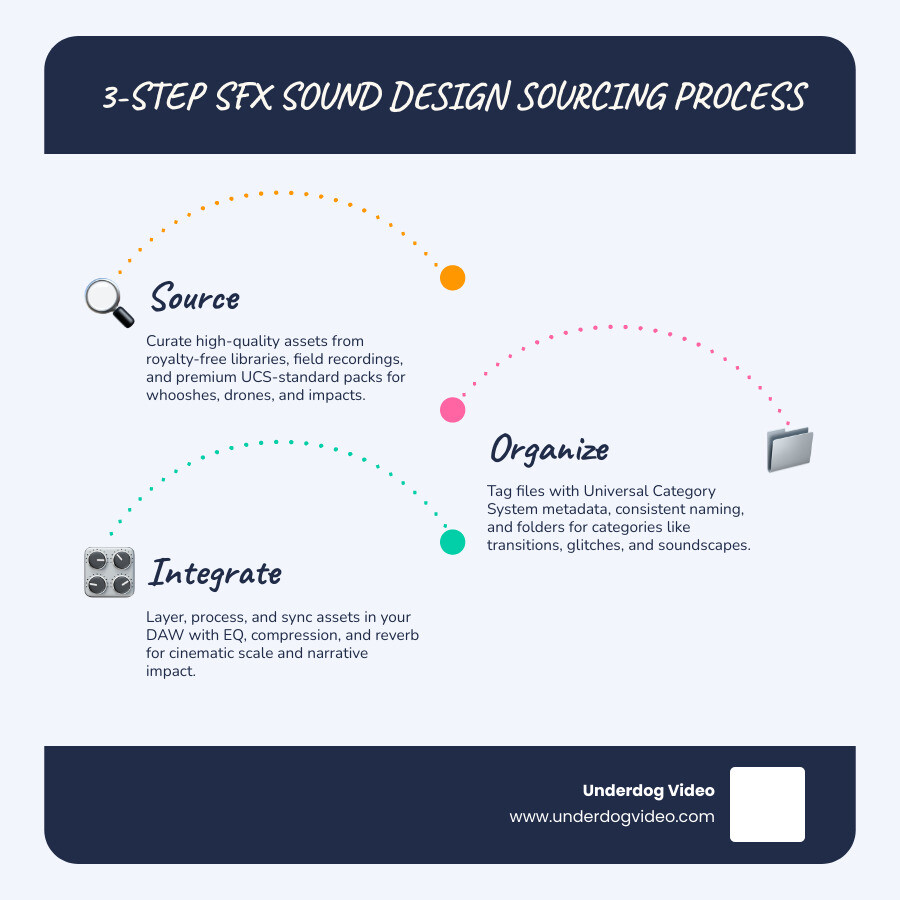
    3-step SFX sound design sourcing process: source, organize, integrate infographic

    Understanding the Core of SFX Sound Design

    To build a professional library, we first have to understand what we are actually collecting. In 2026, the industry has moved beyond simple “noise” toward highly curated sonic palettes.
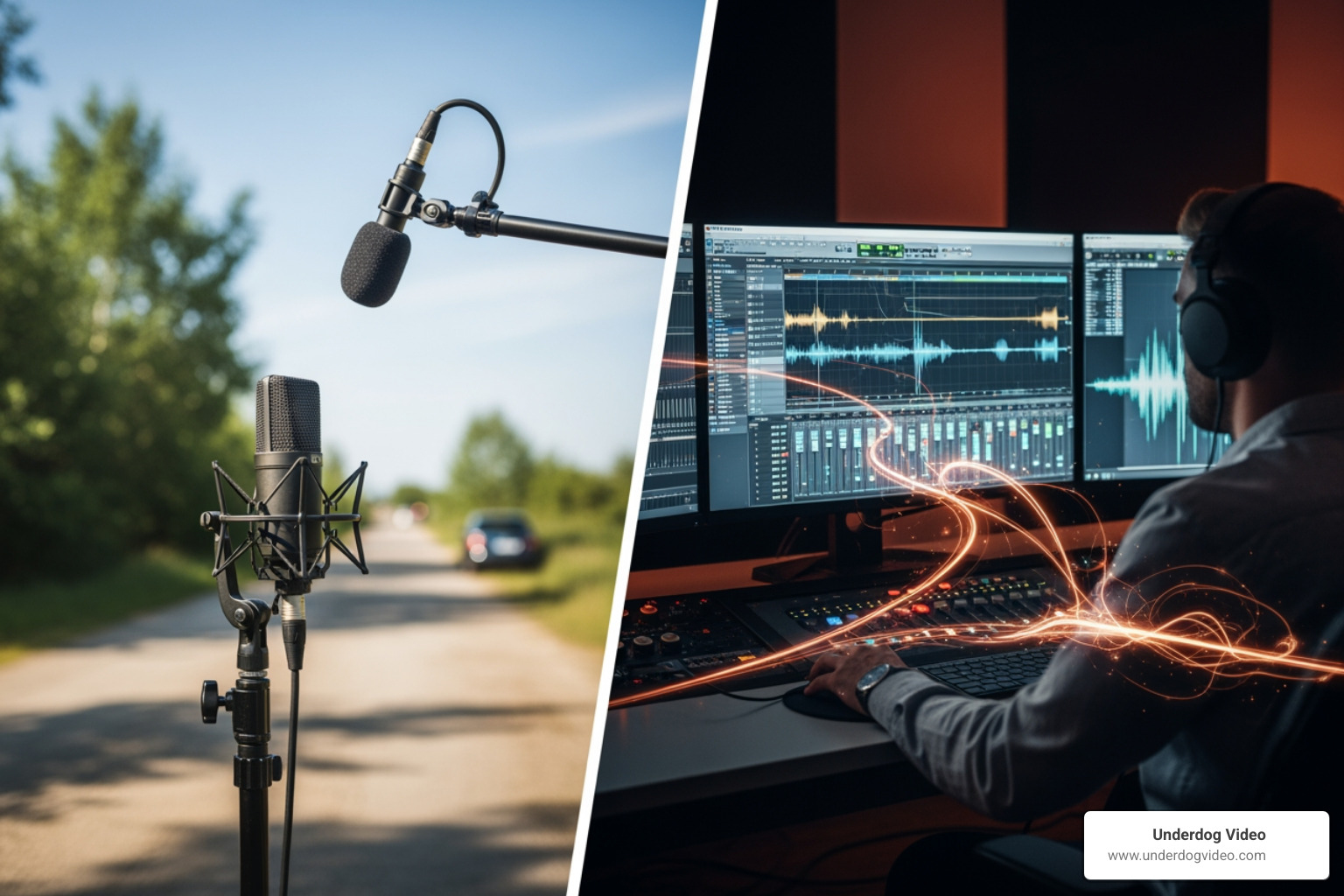
    comparing raw field recordings to designed cinematic assets

    The Difference Between Sound Effects and Sound Design

    While many people use the terms interchangeably, there is a fundamental difference in creative intent. Traditional sound effects (SFX) are usually literal recordings of specific actions—a door closing, a car engine starting, or a dog barking. They are the “nouns” of your audio world.

    SFX sound design, on the other hand, is the “adjective” or the “emotion.” It involves taking those raw sounds and manipulating them—or creating entirely new ones from scratch—to serve a narrative purpose. It’s the difference between hearing a punch (SFX) and feeling the bone-crunching weight of a superhero landing (sound design). Sound design is about world-building and emotional impact, often utilizing The Art of Audio Mixing and Layering to create something that doesn’t exist in nature.

    Why Generic Libraries Aren’t Enough in 2026

    In the current landscape, audience expectations for hyper-realism are at an all-time high. Using a generic “Impact_01.wav” from a 2010 library won’t cut it for a modern sci-fi thriller or a high-end social ad. Generic sounds often lack “character”—that unique sonic texture that makes a sound feel cinematic rather than stock.

    Customization is the key to immersion. Modern sound design requires assets that have a “long tail” or specific tonal qualities that can be pitched and stretched to fit a scene. When you rely on the same sounds everyone else uses, your project loses its sonic identity. Professional sound design standards now demand high-resolution files (at least 24-bit/96kHz) that can withstand heavy processing without falling apart.

    Essential Categories for a Modern Library

    A “killer” library isn’t just big; it’s organized. You need specific categories that allow you to find the right “vibe” in seconds.
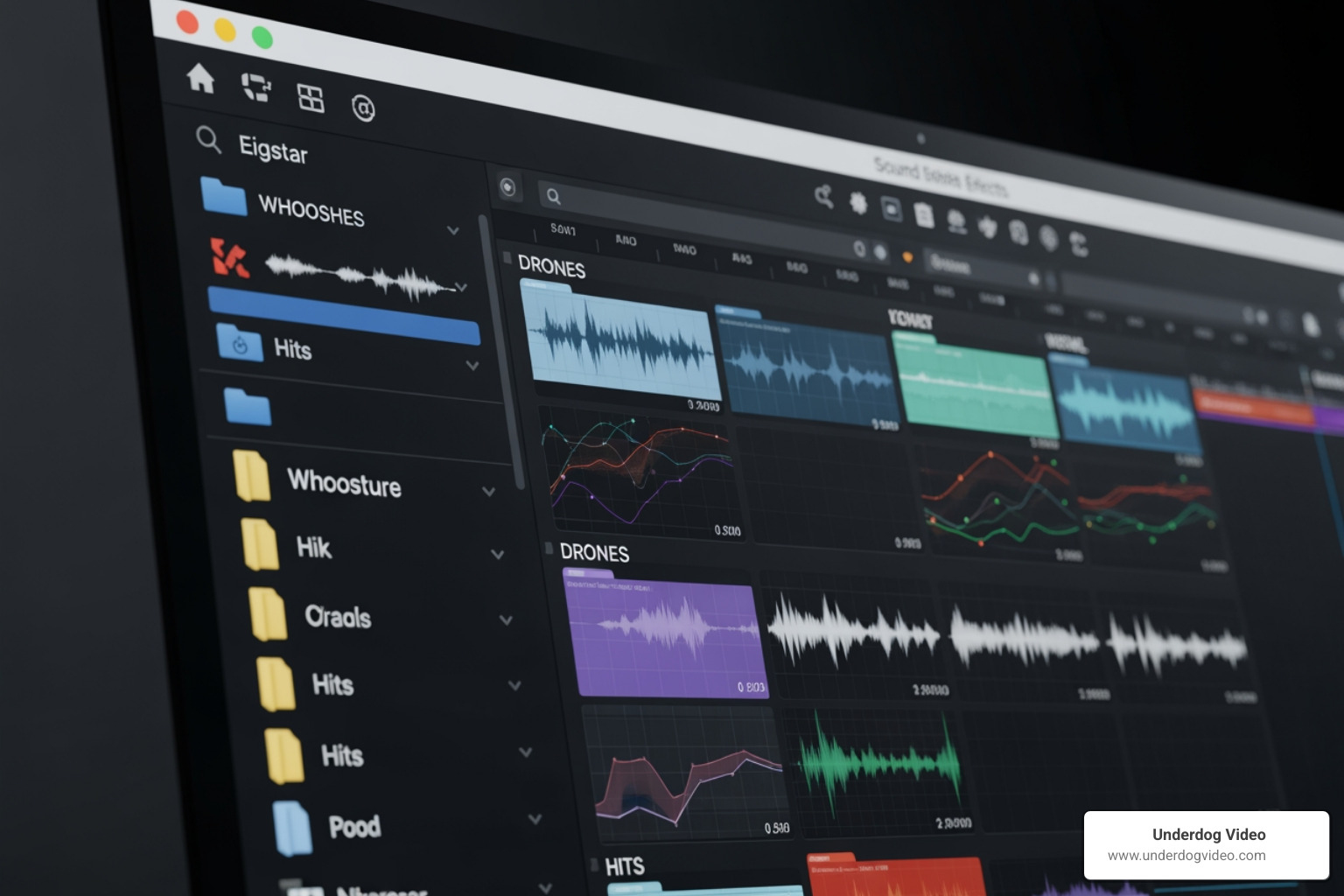
    categorized digital sound library showing whooshes, drones, and hits

    Cinematic Whooshes and Transitions in SFX Sound Design

    Whooshes and sweeps are the rhythmic glue of modern editing. They signal to the viewer that something is changing—a camera move, a scene cut, or a graphic reveal.

    • Dark Harmonics: These are essential for horror and sci-fi. Think distorted, “evil” tones that create immediate dread.
    • Metallic Whooshes: Great for action or tech-focused commercials.
    • Organic Sweeps: Using air and hiss sounds to create a more natural sense of motion.

    For those working on high-stakes visuals, understanding Creating High-Impact Cinematic Crashes is vital, as a crash often needs a well-designed whoosh to “lead” the ear into the impact.

    Atmospheric Rumbles and Drones

    Drones are the foundation of tension. A low-frequency rumble can make a scene feel desolate or menacing without the viewer even realizing why they feel uneasy. These are often categorized as “Soundscapes” or “Atmospheres.” They provide cinematic depth, filling the “silence” with a textured layer that establishes the mood of a room or a vast space.

    Modern Textures: Glitches and FM Synthesis

    Modern SFX sound design heavily utilizes digital artifacts.

    • Glitches: Perfect for UI (User Interface) sounds in apps or sci-fi environments.
    • FM Synthesis: Frequency Modulation synthesis allows designers to create “otherworldly” sounds from thin air—think robot vocalizations or laser zaps.
    • Electromagnetic Fields: Recordings of actual electrical interference that add a layer of “real-world” grit to tech-heavy scenes.

    These elements are crucial when Crafting Machine and Industrial Soundscapes for games or futuristic films.

    The Anatomy of a Cinematic Sound: Layering and Processing

    A professional sound is rarely a single file. It is a “mini-symphony” of layers.

    Phase Function Example
    Transient The initial “crack” or attack that grabs attention. A twig snap or a digital click.
    Body The main force and weight of the sound. A low-end thump or a mid-range growl.
    Tail The aftermath or reverb that places the sound in a space. A long echo or debris falling.

    Mastering the Transient, Body, and Tail

    To make a sound feel “Hollywood-worthy,” you must layer these three components. For example, a movie punch isn’t just a fist hitting skin. It’s a “whoosh” (lead-in), a “thwack” (transient), a “fleshy splat” (body), and a “grunt” (tail). This layering acts as the “sonic glue” that makes digital actions feel physically present. This is the same logic used when Engineering the Perfect Door Slam and Mechanical SFX—you need the click of the latch (transient) and the heavy boom of the frame (body).

    Processing for Blockbuster Scale

    Once layered, you need to “glue” the sounds together using professional audio engineering techniques:

    • Subtractive EQ: Cutting frequencies (especially in the 200-500 Hz “muddy” range) before boosting helps maintain clarity.
    • Glue Compression: Applying 2-3 dB of gain reduction on a group bus to unify separate layers.
    • Pitch Shifting: Dropping a sound by an octave can instantly add “size” and “monstrous” scale.
    • Convolution Reverb: Using “impulse responses” from real locations to make all your layers sound like they are in the same room.

    Sourcing and Licensing High-Quality Assets

    You don’t need to record every explosion or car crash. In fact, most pros don’t. They use high-end libraries and AI tools to source the raw materials.

    When building your library, understanding the legalities is non-negotiable.

    • Royalty-Free: You pay once (or use a free resource) and can use it in commercial projects without ongoing fees.
    • Creative Commons (CC): Some require attribution (giving credit), while others (CC0) are public domain.
    • EULA (End User License Agreement): Always check if a “free” sound allows for commercial use in monetized YouTube videos or broadcast TV.

    Platform providers like Joe McGrath – Audio Engineer or Dallas Audio Post offer insights into how professional studios handle these assets. For those looking for specialized creators, you can SFX: Hire World Class Sound Designers – AirGigs to build custom sets for you.

    Organizing Your Library with Metadata

    A library is useless if you can’t find anything.

    • UCS (Universal Category System): This is the industry standard for metadata. It uses a specific naming convention (e.g., “DOORSlamWood”) to ensure sounds are easily searchable.
    • Search Software: Tools like Soundly or SoundQ allow you to index your local files and cloud libraries, making it easy to “search and send” a sound directly to your editing timeline.
    • Metadata Tagging: Ensure your files have descriptive tags like “airy,” “tense,” “futuristic,” or “metallic.”

    Advanced Techniques for SFX Sound Design Integration

    Once you have the library, the magic happens in how you place it into your project.

    Syncing SFX Sound Design to Visuals

    The peak of your “transient” layer must hit the exact frame of visual contact.

    • Panning Automation: Move the sound across the stereo field to match an object moving across the screen.
    • Distance Simulation: Use a low-pass filter (rolling off high frequencies above 2-4kHz) to make a sound feel like it’s coming from another room or far away.
    • Temporal Alignment: Nudging clips by just a few milliseconds can fix phase issues that make layered sounds feel “hollow.”

    Creative Foley Hacks for 2026

    Even without a professional studio, you can record “sweeteners” to add organic texture to your library:

    • The Bacon Trick: Recording bacon frying is the secret to Creating Realistic Environmental Textures Easily, specifically the sound of sap spitting in a fire.
    • Cellophane Crinkles: Use these for high-frequency moisture or digital “hiss.”
    • Twig Snaps: Perfect for bone breaks or metallic latch clicks.
    • Spaghetti: Snapping dry pasta can simulate wood splintering or small bone fractures.

    These “low-tech” solutions are used even in AAA games to create How Game Sound Effects Are Made.

    Frequently Asked Questions about Sound Design

    What is the difference between sound design and traditional SFX?

    Traditional SFX are literal recordings of real-world objects. SFX sound design is the creative manipulation of those sounds (or synthesized ones) to create an emotional or narrative effect that may not exist in reality.

    What are the best file formats for professional sound design in 2026?

    WAV is the archival standard. For professional post-production, 24-bit/48kHz is the minimum, though many designers prefer 96kHz or higher for the ability to pitch-shift without losing quality. MP3 should be avoided for library building as it is a compressed, lossy format.

    How do I avoid the “machine-gun” effect in game sound design?

    The “machine-gun” effect happens when the same sound file plays repeatedly (like footsteps). To avoid this, record or source 3-5 variations of the same sound and use audio middleware to randomize the pitch and volume slightly each time it triggers.

    Conclusion

    Building a killer SFX sound design library is about balance. You don’t need to spend years in the woods with a microphone; you need to be a savvy curator of high-quality assets and a master of the “layering” process. By combining premium libraries, smart organization via UCS, and creative Foley hacks, you can produce audio that rivals major motion pictures.

    At Underdog Video, we’ve spent over two decades in Washington D.C. and nationwide perfecting the art of cinematic post-production. We know that the right sound doesn’t just fill a gap—it drives engagement and revenue by making your brand’s story unforgettable. Whether you’re producing social media ads or a full-scale documentary, your audio should be as professional as your visuals.

    Ready to take your project’s audio to the next level? More info about our post-production services can help you find the right sound for your next big win.
  • Cinematic Video Editing App Guide for Beginners

    Cinematic Video Editing App Guide for Beginners

    The Best Cinematic Video Editing Apps in 2026 (Quick Guide)

    Choosing the right cinematic video editing app can be the difference between content that scrolls past and content that stops people cold.

    Here are the top picks at a glance:

    App Best For Platform Free Tier
    LumaFusion Pro-level iOS editing iOS/iPadOS No (one-time $29.99)
    Splice Cinematic mobile workflow iOS/Android Yes
    VN Editor LUTs + speed ramps iOS/Android Yes, no watermark
    CapCut Beginners + AI tools iOS/Android Yes
    KineMaster Android power users iOS/Android Yes (watermark)
    Film Maker Pro Multi-layer mobile editing Android Yes

    Most people assume cinematic editing requires a desktop and expensive software. That’s no longer true.

    Mobile apps have caught up fast. In 2026, you can color grade, add LUTs, animate keyframes, and export in 4K — all from your phone. Whether you’re a small business owner with raw footage from a hotel shoot or a brand manager trying to make Reels that actually convert, the right app makes a real difference.

    The challenge isn’t access to tools. It’s knowing which tools match your goals, your device, and your skill level.

    That’s exactly what this guide breaks down.

    I’m Christian D. Van Norden, founder of Underdog Video and a professional editor with over 20 years of experience producing cinematic content for brands like The Plaza Hotel, Park Hyatt Chicago, and National Geographic. I’ve spent years working with every major cinematic video editing app — on desktop and mobile — so I can give you a straight answer on what actually works.

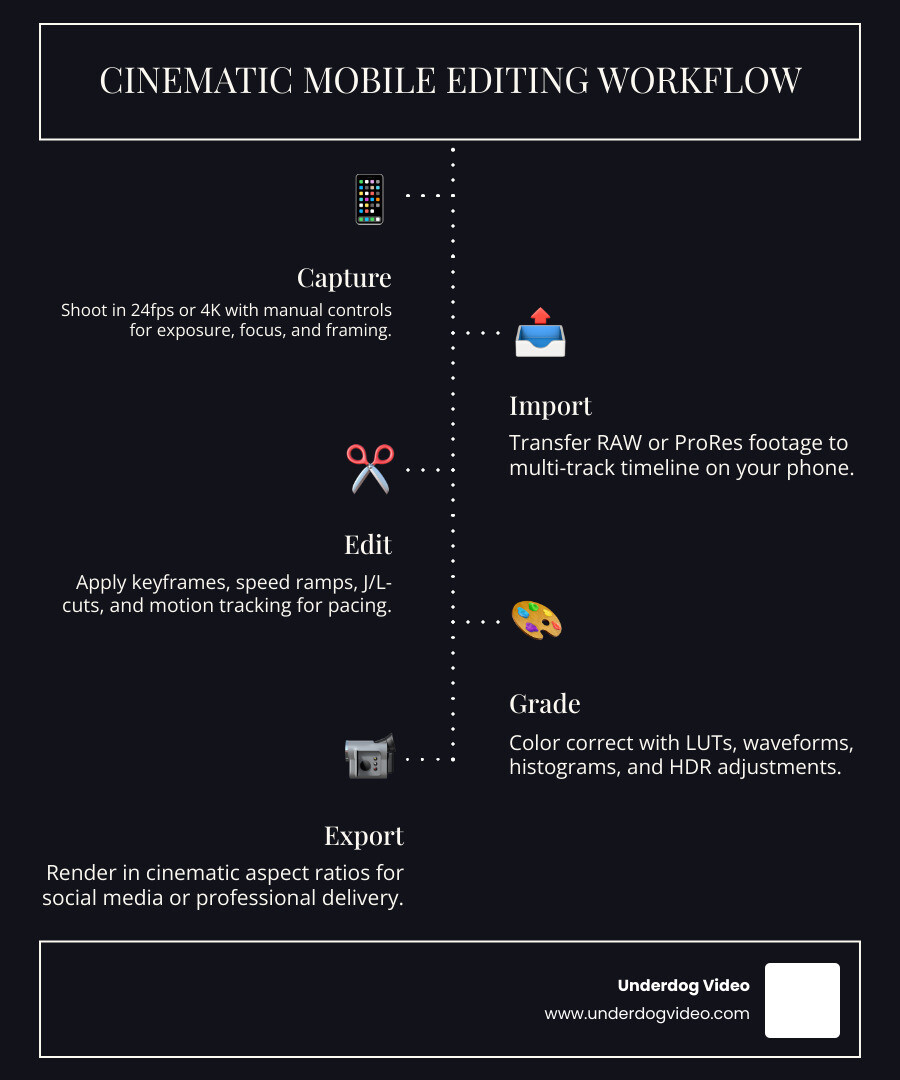
    Cinematic mobile editing workflow from capture to social media export infographic infographic

    What Defines a Cinematic Video Editing App?

    When we talk about “cinematic” video, we aren’t just talking about high resolution. A truly cinematic video editing app provides the tools to manipulate pacing, framing, and color to tell a story that feels like a film rather than a home movie.

    As noted in The best video editing software to create cinematic masterpieces, the right software allows you to transform raw footage into art. On mobile, this means having access to several key pillars:

    • Color Grading and LUT Support: This is the “soul” of cinema. Being able to apply Look-Up Tables (LUTs) allows you to give your footage a specific mood—warm and nostalgic, or cold and gritty.
    • Keyframe Animation: This allows for precise control over movement. You can manually animate a zoom or a fade, ensuring the viewer’s eye goes exactly where you want it.
    • Speed Ramps: Cinematic motion isn’t always at one speed. Smoothly transitioning from slow motion to real-time (and back) creates a professional, high-energy feel.
    • 24fps Frame Rates: Most movies are shot at 24 frames per second. A pro app must support this export setting to capture that classic “film look.”
    • Sound Design: Audio is 50% of the cinematic experience. Features like audio ducking (lowering music during speech) and multi-track audio layering are non-negotiable.

    Experts like Xanthe Berkeley emphasize that simplicity and intuition are just as important as technical power. If an app makes the process enjoyable, you’re more likely to focus on the narrative arc—the hook, the conflict, and the resolution—which is what truly makes a video cinematic.

    Top Picks for a Cinematic Video Editing App in 2026

    The landscape of mobile editing has shifted. We’ve moved away from simple “clippers” toward full-featured mobile NLEs (Non-Linear Editors). Here is how the top contenders stack up for your 2026 projects.

    Splice

    Splice has grown into a powerhouse with over 70 million users. It is often cited as the best default starting point for US-based creators because it balances desktop-style tools with a very clear mobile workflow. It excels in sound design, offering a massive library of tracks that help build the “rhythm” of a cinematic edit.

    CapCut

    Owned by Bytedance, CapCut is the king of accessibility. It is arguably the best app for beginners because of its intuitive interface and high-end AI features like auto-captions and background removal. While it’s great for social media trends, it also packs enough punch for serious cinematic storytelling.

    VN Editor (VlogNow)

    VN is a favorite among mobile filmmakers who want pro features without a subscription price tag. It supports custom LUT imports and has one of the best speed-ramping tools on mobile. Best of all, it allows for 4K/60fps exports without watermarks in the free version.

    LumaFusion

    If you want to go “full pro,” LumaFusion is the gold standard. It is a multi-track editor that rivals desktop software. It supports up to six video/audio tracks and allows for professional color correction using histograms and waveforms.

    KineMaster

    KineMaster remains a heavy hitter, especially for those who prefer a horizontal editing interface. It features a “Video GPT” for storyboarding and advanced AI tools like “Magic Removal” to erase unwanted objects from your frame.

    Filmm and Film Maker Pro

    Filmm is highly regarded for its aesthetic filters and light effects, making it a go-to for creators who want a specific “vibe.” Film Maker Pro (on Android) offers a robust free tier with Hollywood-style intro templates and green screen (chroma key) capabilities.

    Best Cinematic Video Editing App for iOS Users

    For those on iPhone or iPad, the integration with Apple’s hardware is a massive advantage. Apple Silicon (M1/M2/M3 chips) allows apps like LumaFusion and Splice to handle 4K ProRes and HDR media with zero lag.

    According to the Best App for Cinematic Video Editing on Mobile, iOS users benefit from “Cinematic Mode” synchronization. This means you can actually change the focus point of your video after you’ve shot it, provided you’re using a modern iPhone and a compatible app.

    Best Cinematic Video Editing App for Android Devices

    Android editing has come a long way since the days of hardware fragmentation. If you are using a device with a Snapdragon 8 series chipset and running Android 10+, you can achieve results identical to iOS.

    KineMaster and PowerDirector are specifically optimized for the diverse range of Android screens. VLLO is another standout for Android users; its free version lacks watermarks and offers a very clean, multi-track timeline that makes managing complex cinematic sequences easy.

    Essential Features for Professional Mobile Results

    To get that “Hollywood in your pocket” feel, you need to look beyond basic trimming.

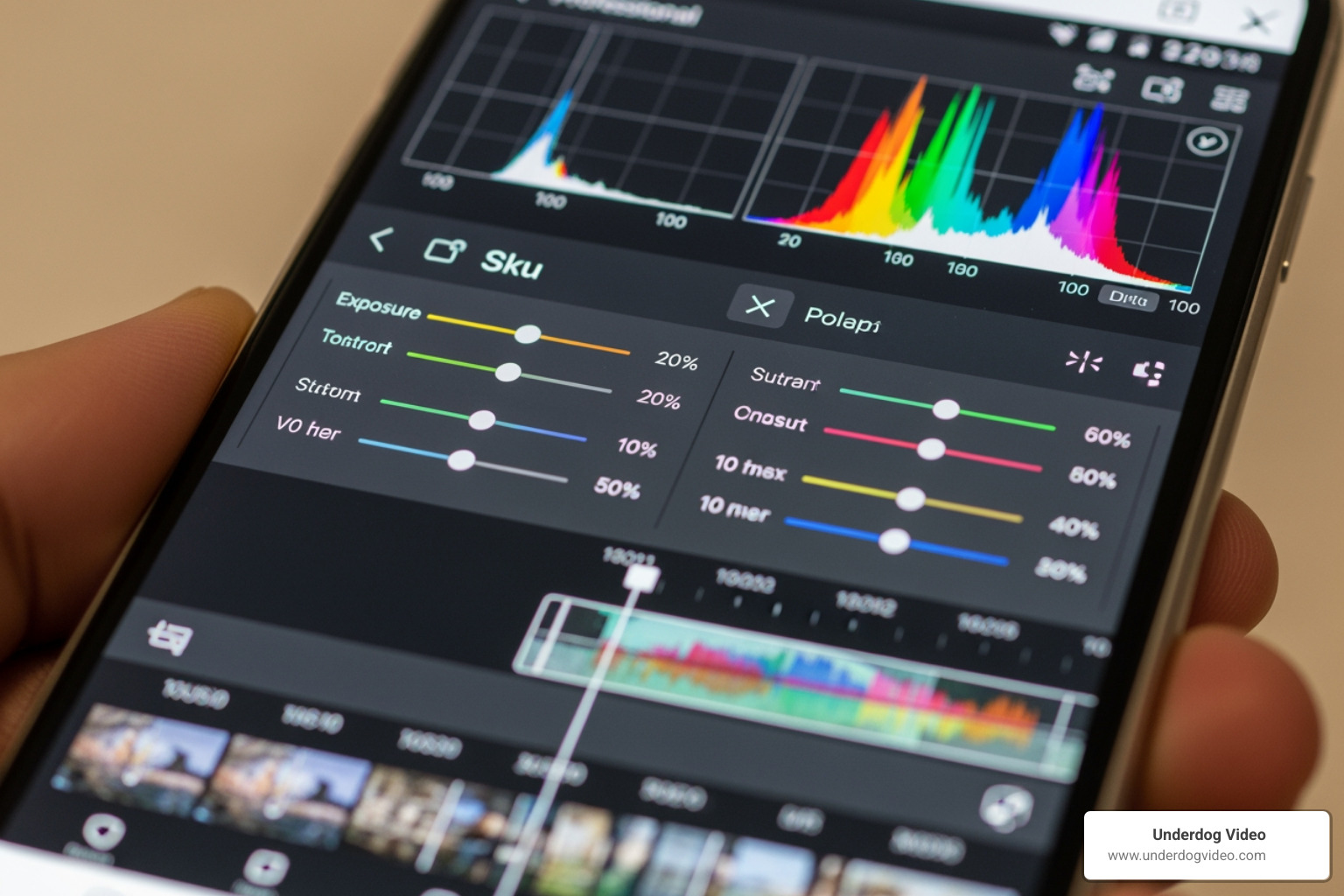
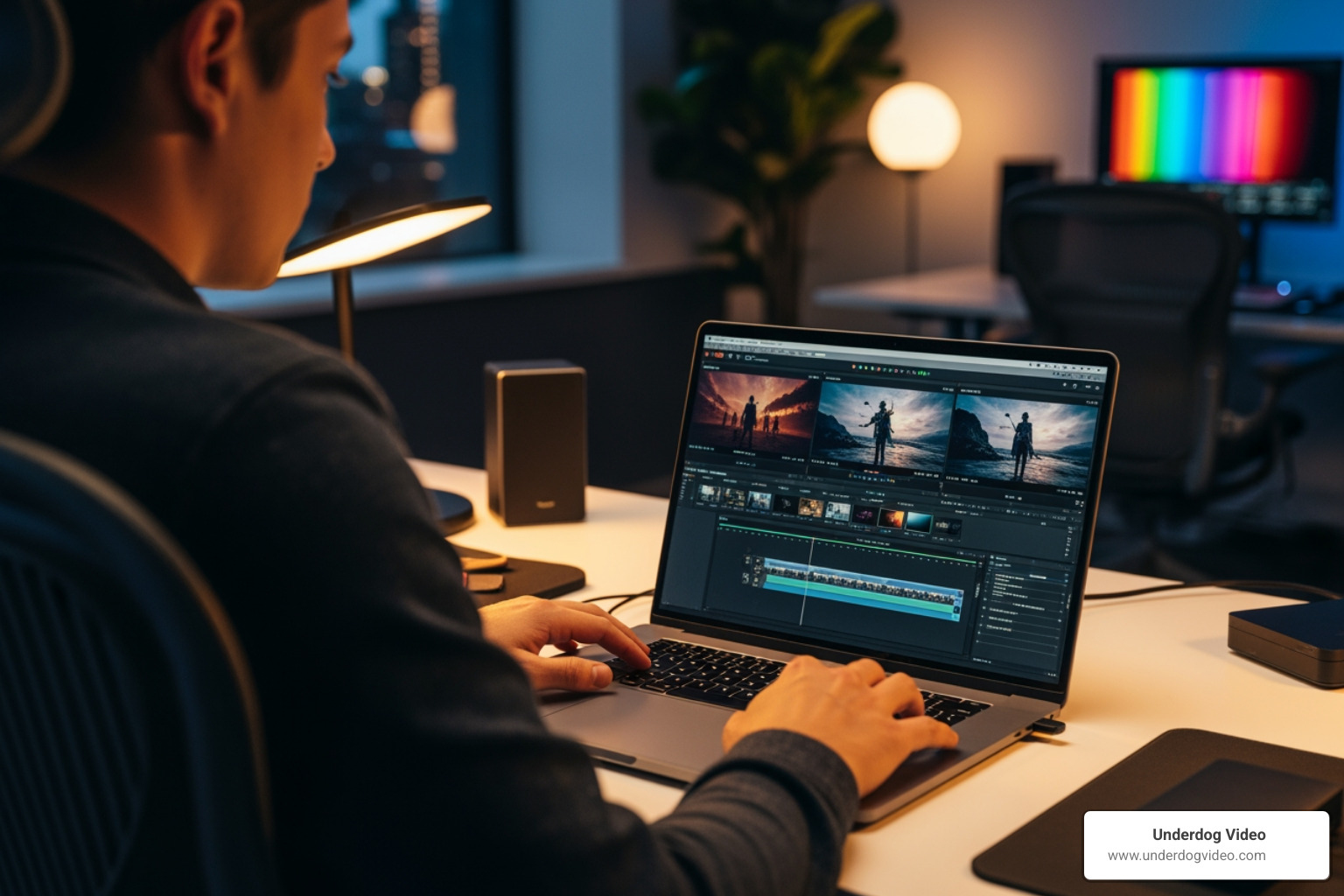
    A mobile color grading interface with waveforms and histograms

    AI and Automation

    In 2026, AI is no longer a gimmick. Top apps now offer:

    • Auto-Captions: Essential for social media engagement.
    • AI Voiceovers: High-quality text-to-speech that sounds human.
    • Magic Removal: Swiping away a distracting trash can or person from the background of your shot.

    Professional Audio

    Audio ducking is a must-have. It automatically lowers your background music when the app detects someone speaking. This ensures your dialogue is always crisp—a hallmark of professional production.

    Advanced Visuals

    We look for apps that support Double Exposures and Chroma Key. Being able to layer images or swap out a green screen background allows for creative storytelling that was previously only possible on a Mac or PC. If you’re looking for professional tools on Windows, Free Video Editor 2026 – VSDC Professional Tools is a great desktop counterpart, but for mobile, apps like Filmmaker Pro provide these layers locally on your device.

    Advanced Techniques with a Cinematic Video Editing App

    To truly elevate your work, you should master J-cuts and L-cuts. This is where the audio and video don’t transition at the same time, creating a much smoother, more “cinematic” flow between scenes.

    • Speed Curves: Unlike a standard “fast-forward,” speed curves (found in VN and KineMaster) allow for organic acceleration and deceleration.
    • Keyframe Interpolation: This ensures that when you move an object across the screen, it moves with a natural ease-in and ease-out, rather than a robotic, linear motion.
    • Optical Flow: This AI-driven feature creates “fake” frames to make slow-motion footage look buttery smooth, even if it wasn’t shot at a high frame rate.

    Mobile vs. Desktop: Can You Achieve Hollywood Quality?

    It’s a question we get at Underdog Video all the time: “Can a phone really beat a computer?”

    The answer is: it depends on the goal.

    Desktop giants like Lightworks have a 30-year legacy in Hollywood. It was used by Oscar-winning editors like Thelma Schoonmaker to cut masterpieces like The Wolf of Wall Street. These desktop NLEs offer unparalleled processing power and the ability to handle massive RAW files that would melt a smartphone.

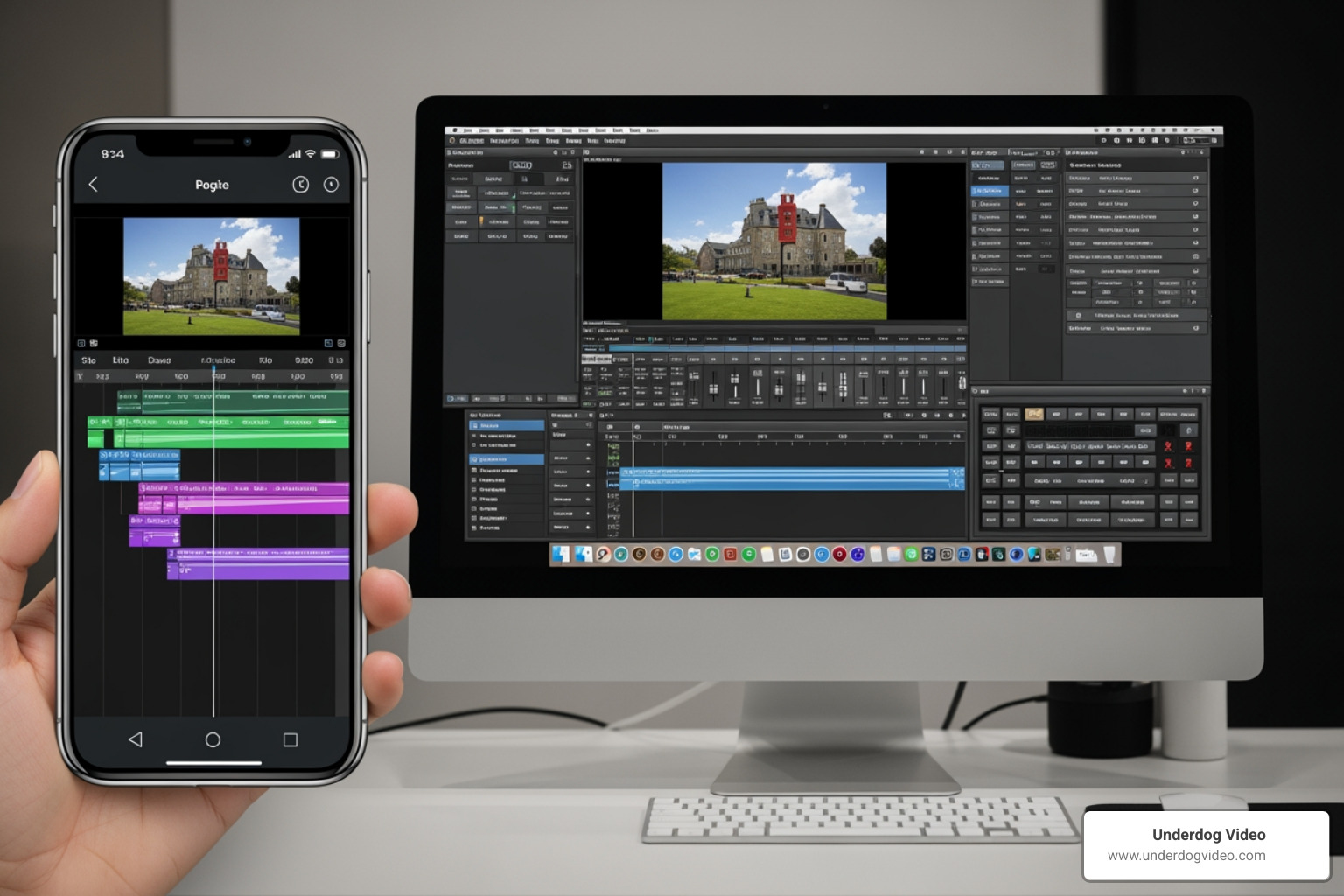
    Comparison of a mobile multi-track timeline versus a desktop NLE

    However, mobile apps have the advantage of portability and tactile editing. There is something incredibly intuitive about touching your footage to move it. For social media ads, Reels, and even short documentaries, the gap has narrowed significantly.

    With features like Proxy Editing (editing a low-res version of your file to save speed, then exporting the high-res version) and Local AI Processing, mobile devices are now capable of 80% of what a desktop can do. For that final 20%—the deep color grading and complex VFX—many creators use Frame.io integration or XML exports to move their mobile project into a desktop environment for finishing.

    Frequently Asked Questions about Cinematic Mobile Editing

    Which app is best for beginners to get cinematic results?

    For sheer ease of use, CapCut and VLLO are the winners. CapCut offers “AutoCut” features that can stitch your highlights into a cinematic tale with one tap. VLLO is praised for its simplicity; it doesn’t overwhelm you with buttons, making it easy to focus on the story.

    Can I edit 4K 60fps video on my phone without lag?

    Yes, but hardware matters. You generally need a device with at least 8GB of RAM and a modern chipset (Apple A15+ or Snapdragon 8 Gen 2+). If your phone starts to lag or get hot (thermal throttling), use the “Proxy” feature found in apps like LumaFusion to keep the editing smooth.

    Are there free cinematic editing apps without watermarks?

    VN Editor is the most popular choice for “pro-free” editing. VLLO also offers a watermark-free experience in its basic version. While CapCut is free, it often adds a small branded clip at the end of your video, though this can usually be deleted manually before you export.

    Conclusion

    The world of the cinematic video editing app has exploded, making it possible for anyone with a vision to create stunning, high-revenue-driving content. Whether you are in Washington D.C. or working nationwide, the tools are now in your pocket.

    At Underdog Video, we’ve spent two decades perfecting the art of cinematic post-production. We know that while the app is the tool, the “eye” for pacing and story is what truly matters. If you’ve shot the footage but need that professional, 20-year-experienced touch to turn it into a high-engagement masterpiece, we’re here to help.

    The creative landscape of 2026 is all about speed, quality, and story. With the right app and a bit of practice, your next video could be your best one yet.

    For more insights into how we can elevate your brand’s visual storytelling, check out more info about cinematic video services.